
Lot of AI image generators are still existing, but I tested Flextreme AI because it is free for personal use. Let’s see what capabilites this AI Art generator have.
Login to Flextreme AI
If you open the flextremeai.com site a Welcome page appears.
Scroll down and click on the Get Started button to open the login page.
You can use the app only with a Google account, but you don’t need to register.
After login, you see this simple and clean user interface and you can immediately start generating images:

Just type the prompt, select the aspect ratio and the number of images. Then click on Generate and Flextreme AI will do the rest for you.
Detailed, medium-length prompts also work. You don’t need to write the prompt in english. My experience is that Flextreme AI also understand german, italian and other languages. It’s worth to experiment with different languages.
Test #1 – Cinematic photo
Prompt: Cinematic photo of a red sportscar drifting in the sunset on Florida street. The sports car is taking a sharp turn. Low camera angle, full shot, motion blur, city lights, dust.

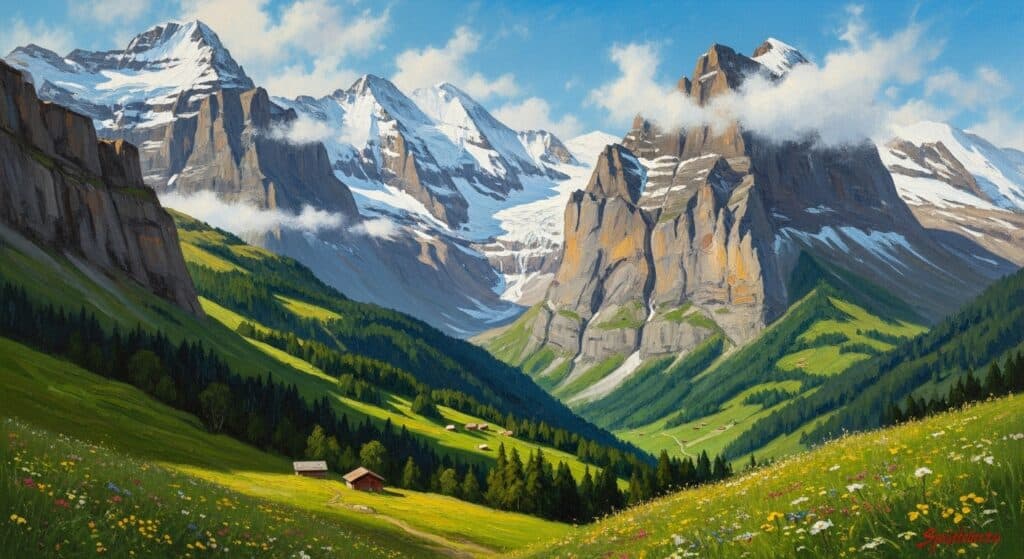
Test #2 – Landscape oil painting
Prompt: Oil painting of Swiss Alps in daylight.
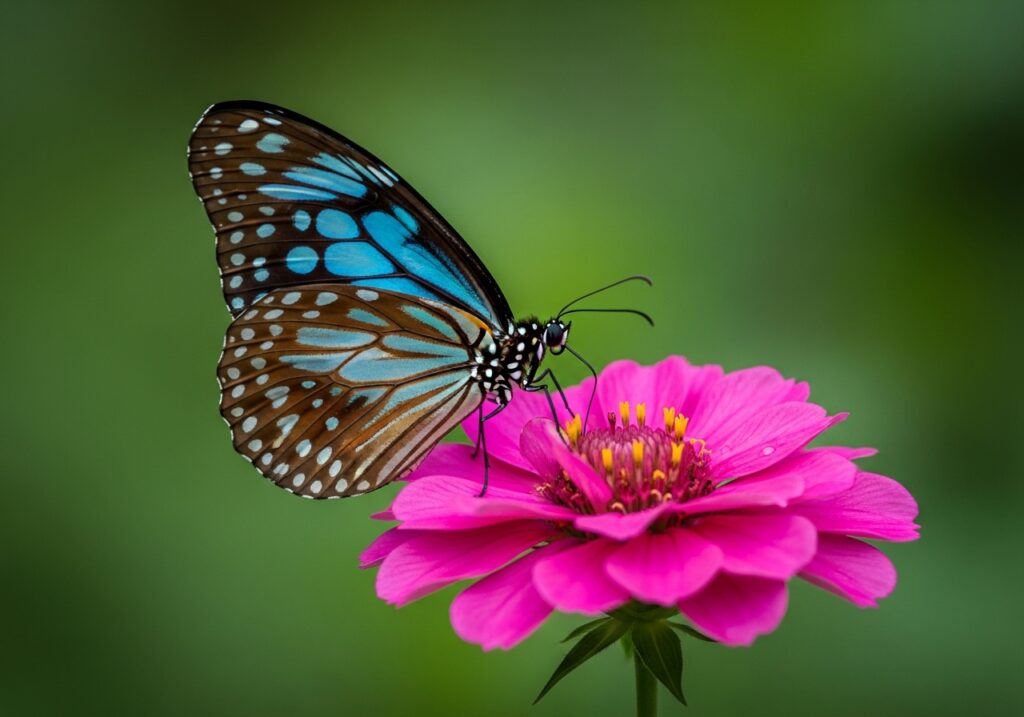
Test #3 – Macro photo
Prompt: Extremely detailed photo of a beautiful blue tiger butterfly on a pink flower. Green background, shallow depth of field vivid colors, 4k fine art, sharp details.
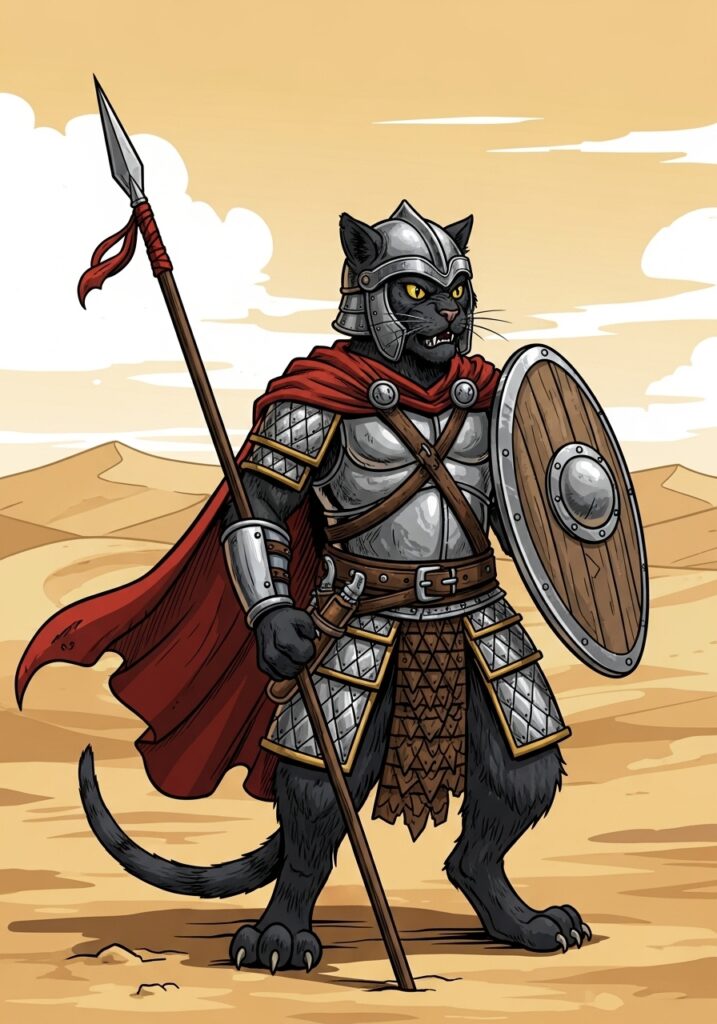
Test #4 – Vector graphics
Prompt: Medium detailed and shaded vector illustration of a angry black cat warrior with shield and spear. He stands on his two back feets in the endless desert. Full shot, side view.
Test #5 – 3D Logo design
Prompt: A silver-cyan 3D gear logo on darkgray background with “COMPANY” written below the gear with silver sans serif font. A “YOUR SLOGAN HERE” text below the company text with serif font.

Test #6 – Using a complex prompt
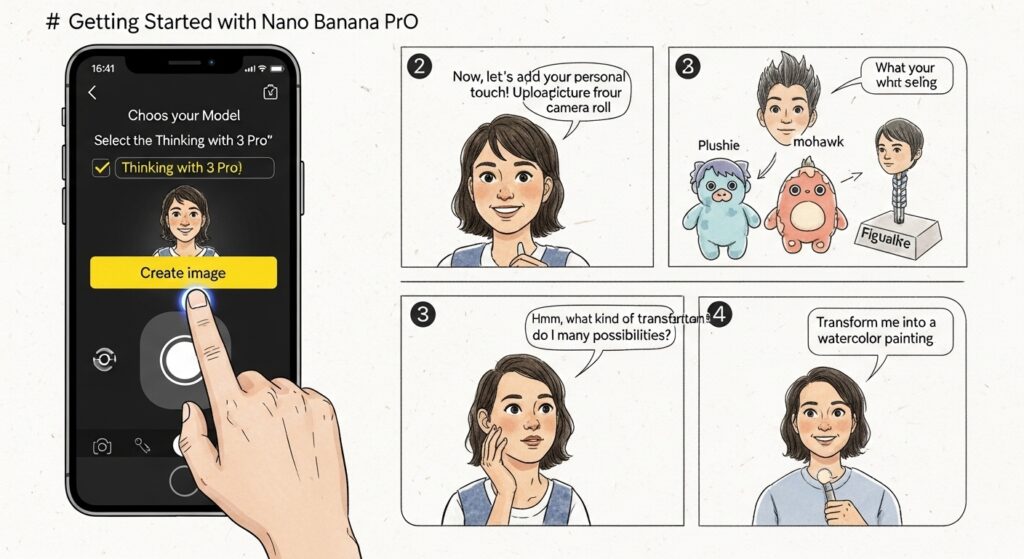
My plan was to test the accuracy of the model and the prompt adherence. In fact, this is exactly the prompt from my Nano Banana Pro test:
Prompt: “Create a comic with the title: Getting started with Nano Banana Pro. Panel 1: A mobile interface on Gemini, rendered in a poetic watercolor-ink style with fine ink outlines and soft, bleeding washes. The interface is friendly and a hand painted with expressive brushwork taps a prominent button labeled “Create image”.
Above the button it should say “Choose your Model” then below there should be a checkbox that says “Thinking with 3 Pro” Muted greys and blues dominate the background. The button has a vivid yellow accent. “ Select the Thinking with 3 Pro model” and tap “Create image” to begin. Panel 2: A cheerful person is depicted adding their selfie from the phone’s camera. The user’s face is drawn with soft outlines and warm pastel colors, while the phone and UI maintain the delicate water-ink aesthetic. Visible paper grain adds to the texture.
Panel 3: The person thinks about what to create. In the background, different options are visualized to show what they’re thinking, including — them as a plushie, them with a mohawk hairstyle, and a figurine. These options are clearly rendered behind the person in the same style as the rest of the comic.
Panel 4: The person is shown adding a style prompt, with a speech bubble saying “Transform me into a watercolor painting”. The text is integrated into the panel’s watercolor-ink look, and the interaction feels natural and intuitive.
Panel 5: The person is seen editing the image by simply typing into Gemini. The scene captures the ease of this interaction, with the final edited image, now in a watercolor style, appearing on the screen. The overall tone is friendly, instructional, and inspiring. It feels like a mini tutorial comic, all conveyed through the specified delicate water-ink illustration style. Make the aspect ratio 16:9.”
Test #7 – 3D render
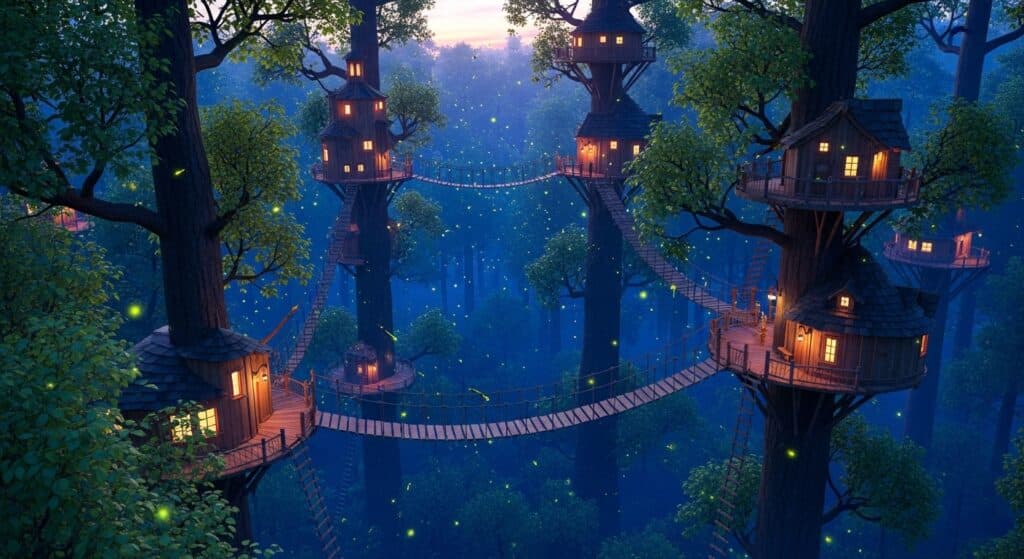
Prompt: 3D render of an enchanted treetop forest village with rope ladders on a summer evening with fireflies illuminating it during the blue hour
Test #8 – Pencil sketch
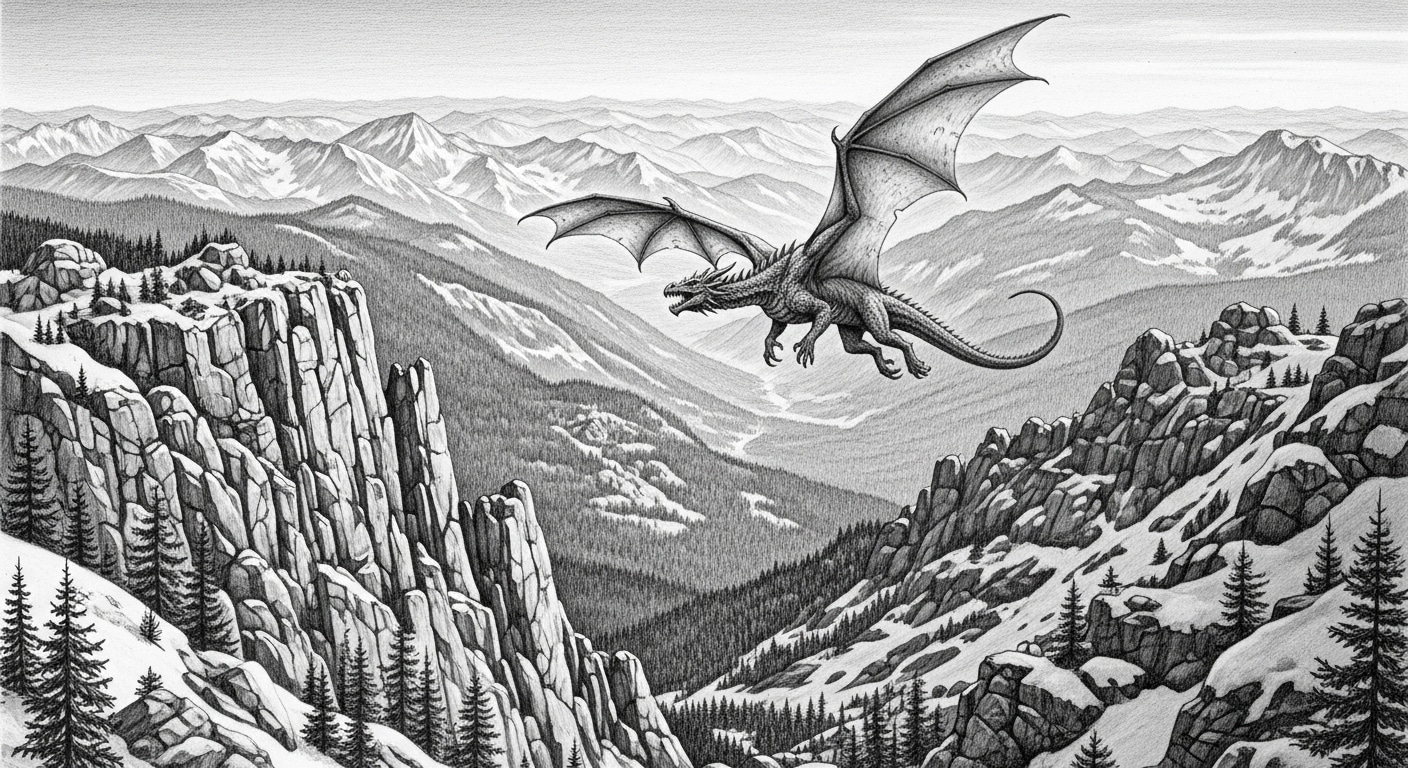
Prompt: A detailed pencil sketch of a flying dragon over the rocky mountains.
Troubleshooting
As I tested this app I experienced sometimes little but annoying bugs. If I have the solution, then I will share it here.
Issue #1 – Login service
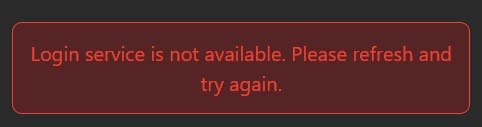
Solution: just hit the refresh button or F5 key to reload the page. I’m sure that the Google login button should then appear immediately.
Issue # 2 – Strange results
Symptom: Strange text and irrelevant result.
Solution: Log out and log in again, refine your prompt.
Summary
Althrough the Flextreme AI art generator is still in alpha phase, it already works very good for basic tasks. In most cases the results are quite convincing. Below, I summarize my experiences in bullet points.
However, be aware that Flextreme AI does not save your generated images on their server.
Instead, they are storing them only in your browser session, as far as I understand. Therefore, I strongly recommend to download the images as soon as possible. Additionally, make sure you log in on the same computer or mobile device and use the same browser if you want to access them again.
Pros:
- easy to use interface
- fast image generating
- 15 images per day for free
- the minimum number of images is 1
- your generations are private
Cons:
- no pro plan / subscription
- images are for non-commercial use only
- minor application issues sometimes (eg. login)
- strange, irrelevant results sometimes
- no community gallery
- no extra features like:
- negative prompt
- AI art generation from reference image,
- remove background,
- inpainting,
- selecting AI model
- image enlargement


Great review, thanks for testing these! For anyone who prefers to start without signing in at all, Perchance AI Image Generator (https://perchanceaiimagegenerator.app/) is a nice free option too — it runs in your browser with several models and no account required.