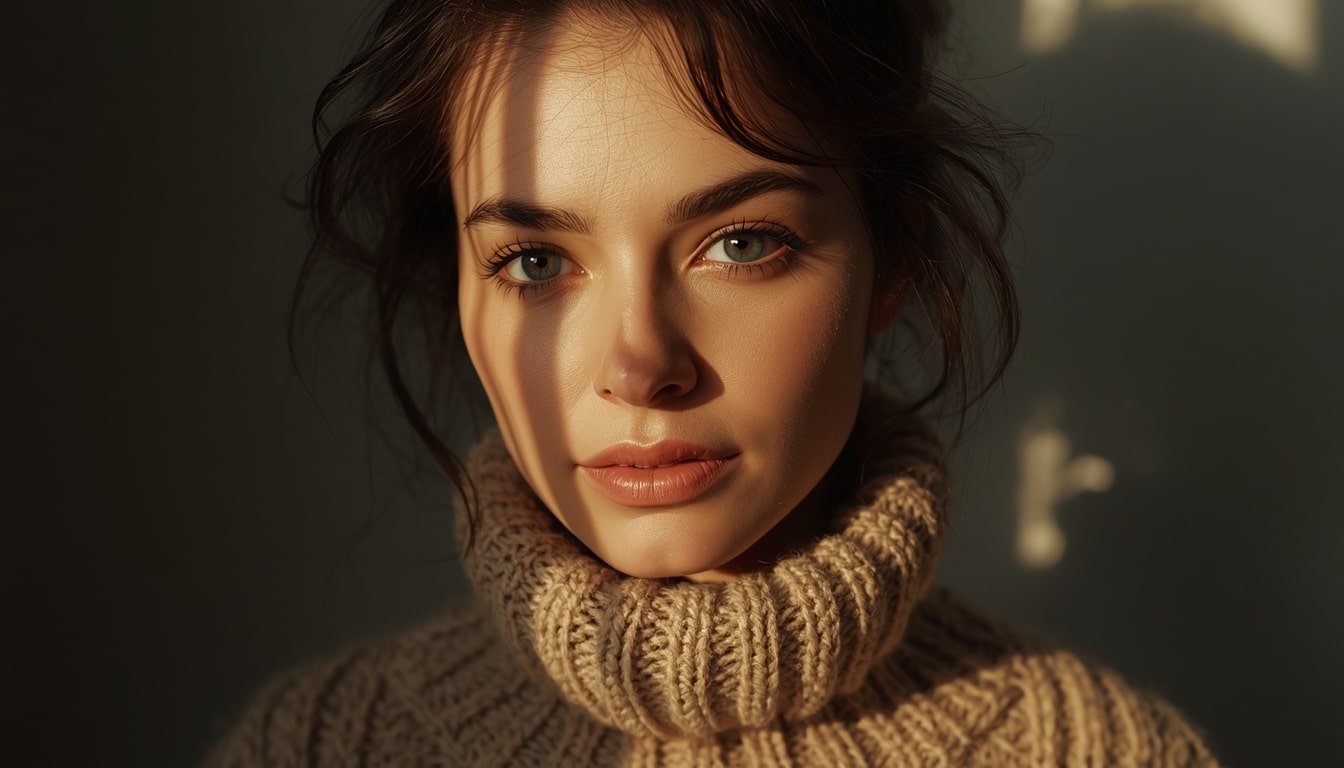
Why spotting AI images still matters
I would like to give you tips how to recognize AI generated images. They are getting more realistic, but they still tend to “cheat” on details, physics and text, especially in emotionally charged viral posts. If you know where to look, you can spot many of them in a few seconds and you can avoid sharing fake nostalgia photos, miracle stories or political information that seems true.
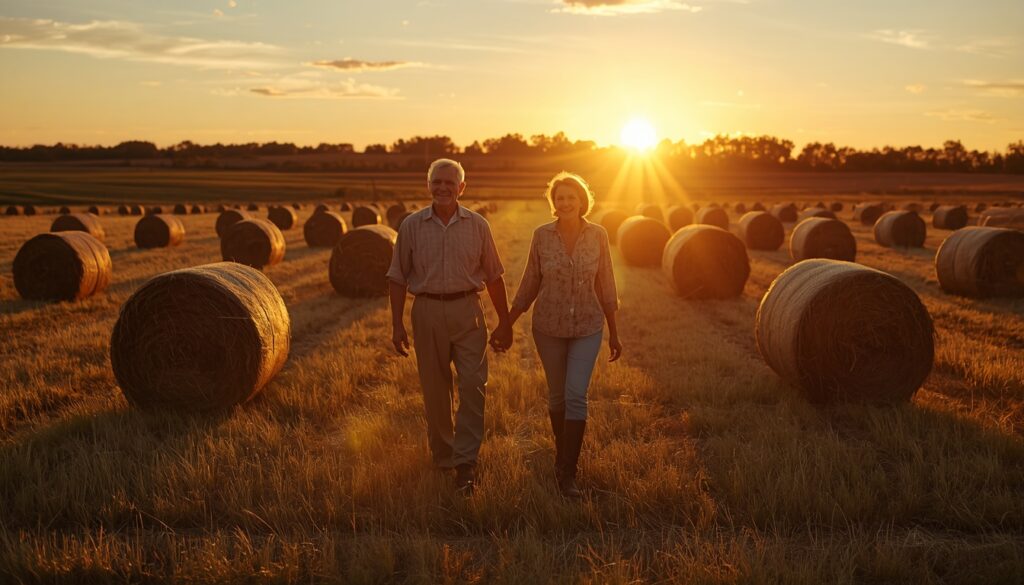
Note: all of the images below are AI generated.
1. Start with a quick vibe check
Before you zoom into pixels, ask a simple question: does the overall scene make sense in the real world?
- Is the story almost too perfect, dramatic or heartwarming to be true?
- Does the image hit your emotions first and only later your critical thinking?
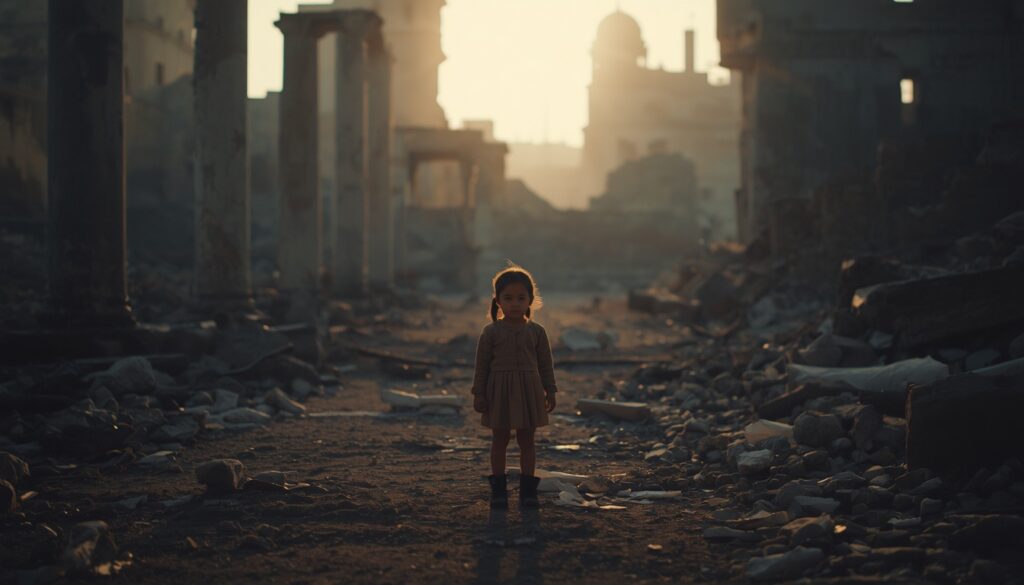
AI images shared on social media often target nostalgia, religion or empathy, because these themes lower our guard and trigger cognitive biases like confirmation bias and familiarity.
2. Count fingers, teeth and limbs
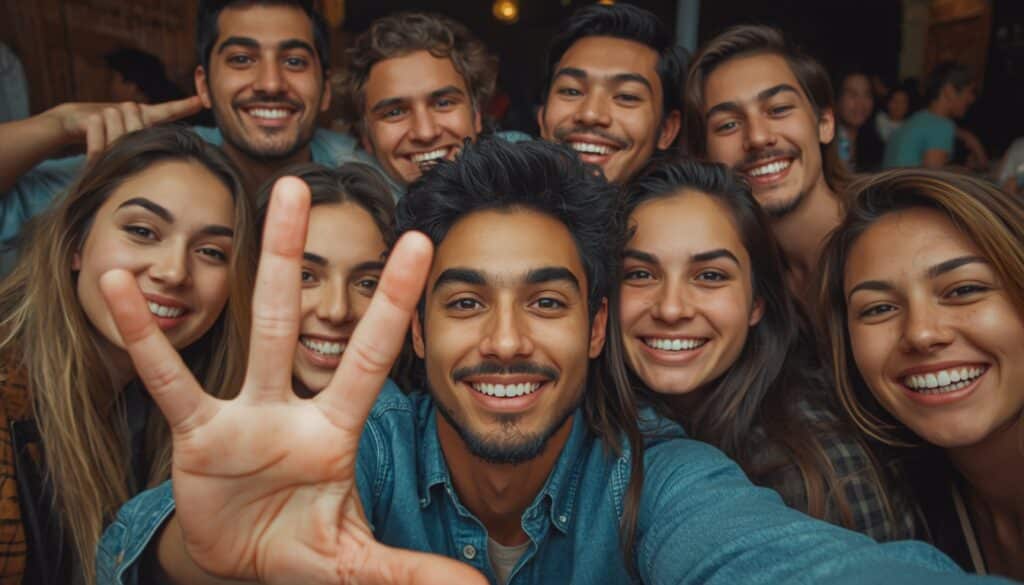
The second way to recognize AI generated images is looking at anatomy. Anatomy is still a weak spot for many models, especially in busy scenes.
Look for:
- extra or missing fingers, fused fingers, or fingers bending in physically impossible ways
- strange hands: too big, too small, wrong angle, fingers going through objects
- teeth that form a continuous “white wall” instead of individual teeth
- too regular a row of teeth / the people in the picture have almost the same row of teeth
These errors are more common in group photos, dynamic poses or images with many overlapping limbs.
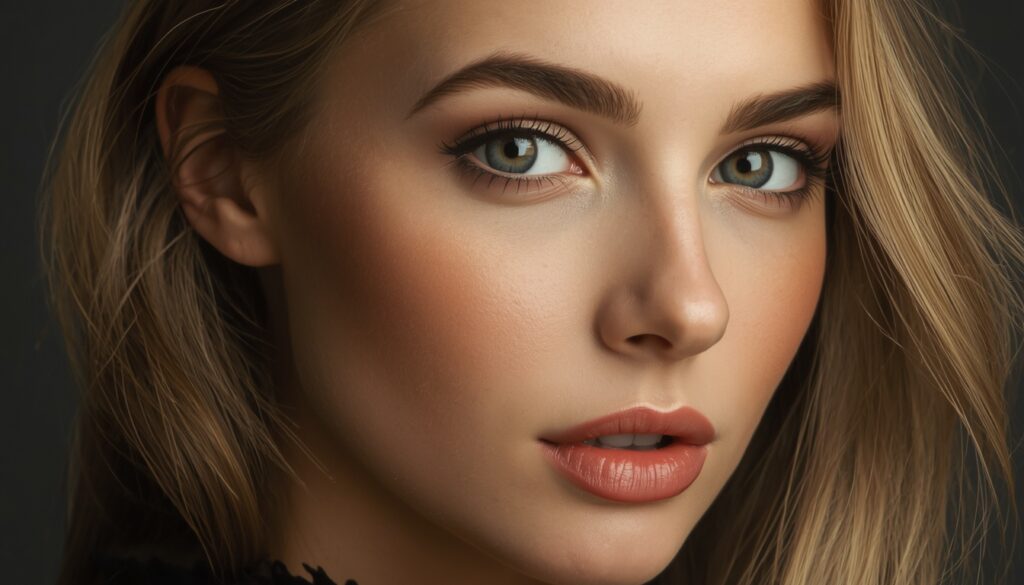
3. Inspect faces and symmetry
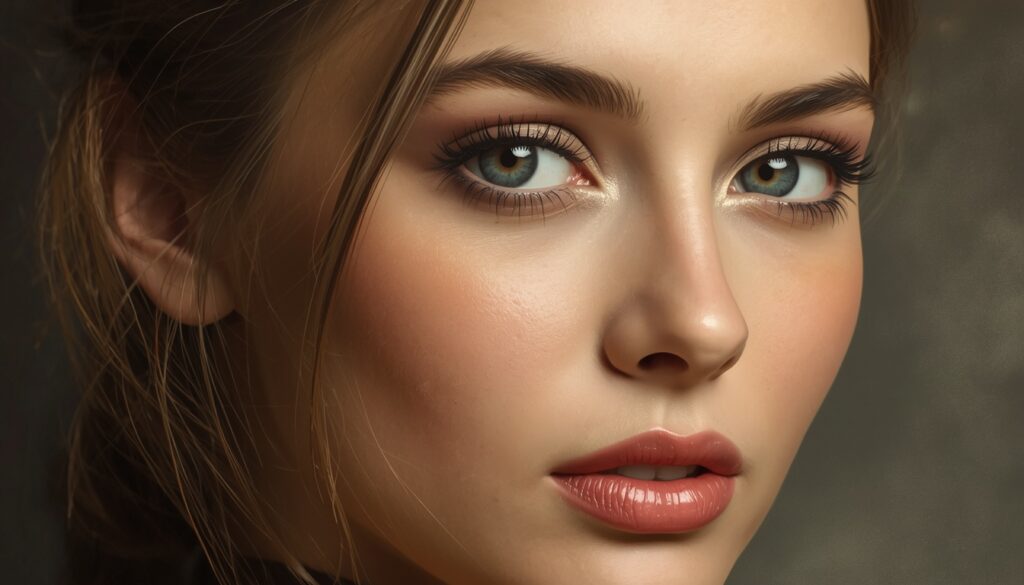
AI can generate beautiful faces, but they often become slightly unnatural when you look closer.
Check for:
- Eyes looking in slightly different directions, different eye sizes, off‑center pupils
- Ears that are distorted, missing, blurred into hair, or have no clear structure
- Hairlines that look painted on or impossible curls and braids
Another tell: faces that look too symmetrical and flawless, almost like a beauty filter turned to maximum.
4. Look for background and object glitches
AI tends to “give up” on background details, especially when the foreground is complex.
Look for:
- objects that float, merge, or intersect in impossible ways (a mug melting into the table, a chair leg disappearing, faces are distorted etc.)
- reflections in windows, mirrors or water that don’t match reality
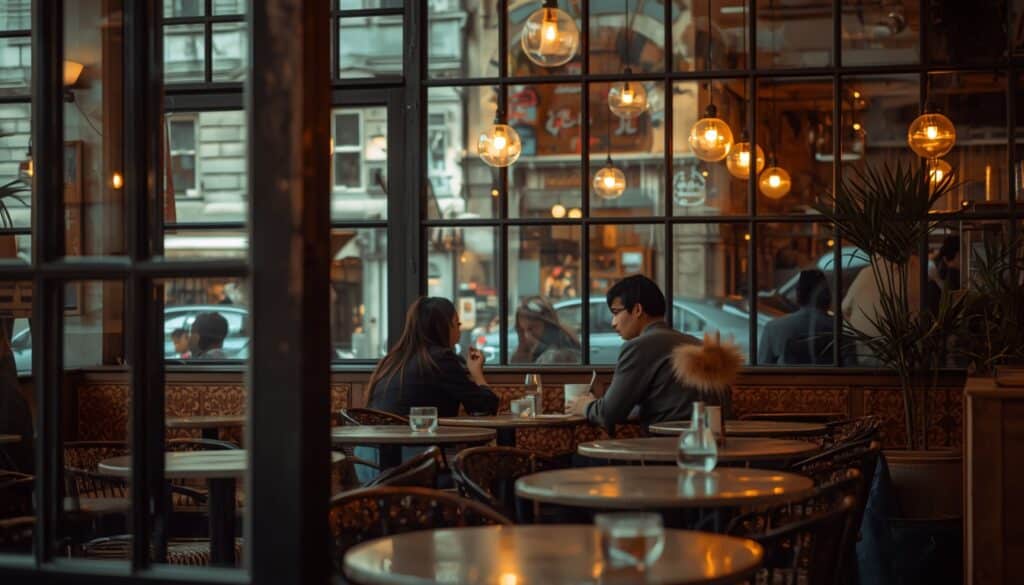
- background people with melted faces, broken glasses or missing limbs
These anomalies often hide at the edges of the frame. Zooming or mentally walking through the scene helps.
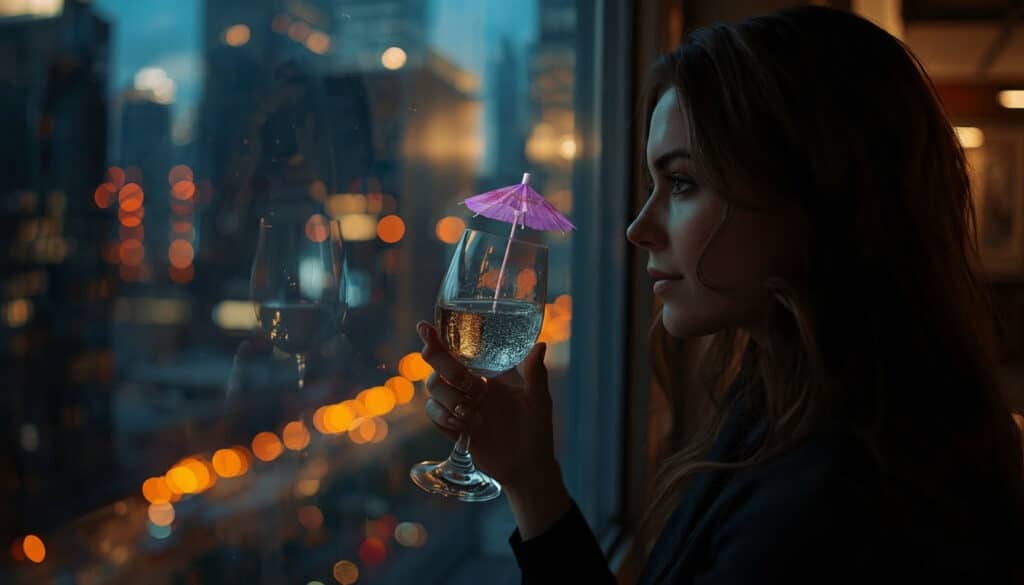
observe the fingers (a little bit “messy”)
5. Study textures and materials
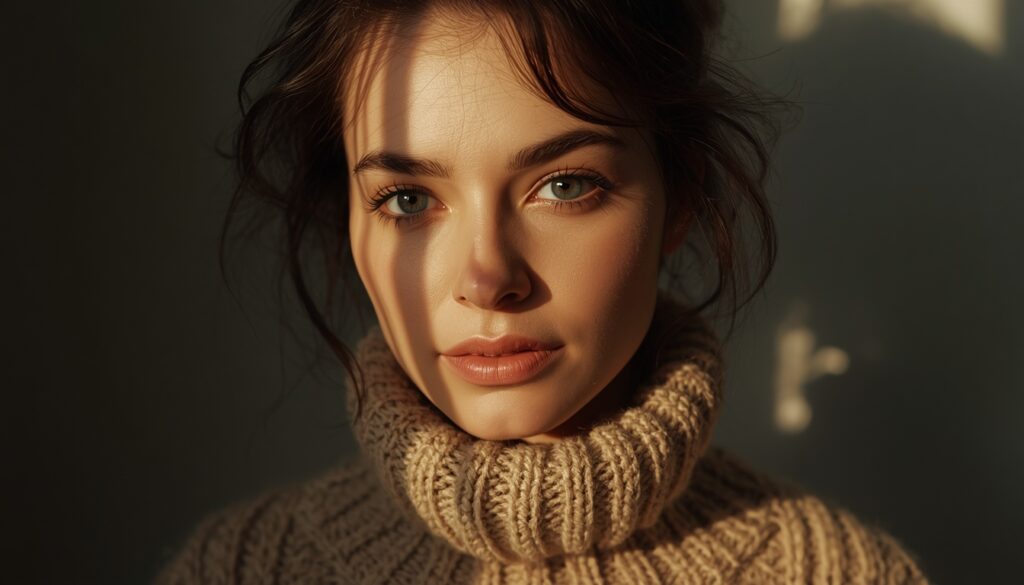
Many models still struggle with realistic surfaces, especially when patterns or fine details are involved.
Suspicious signs:
- skin that is too smooth, plastic‑like or uniformly perfect, with no pores or subtle imperfections
- clothing with chaotic folds or fabric that doesn’t follow gravity, or patterns that bend in impossible ways
- repeating textures where there should be variation (tiles, grass, bricks, crowd clothing)
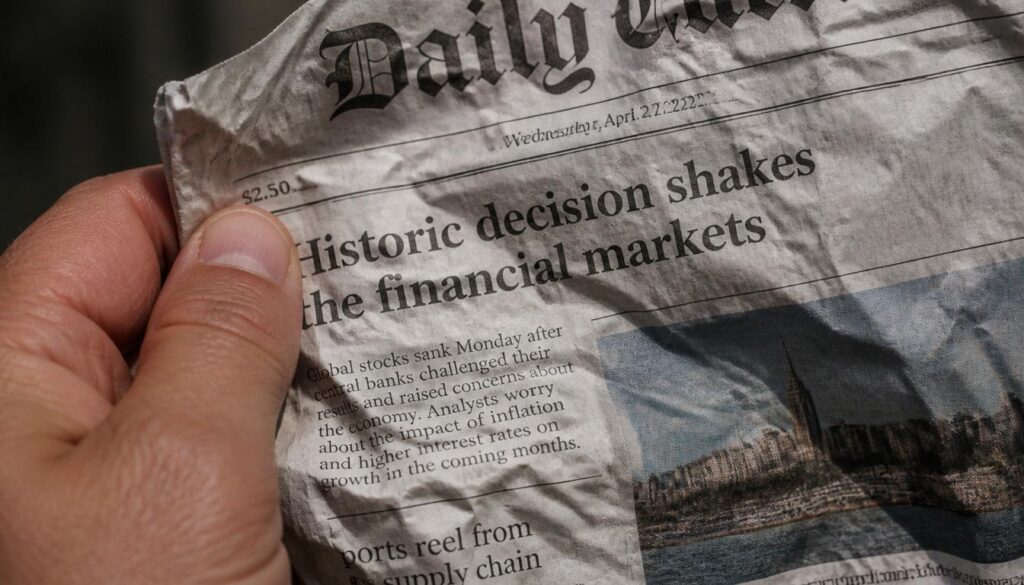
6. Check text, logos and signatures
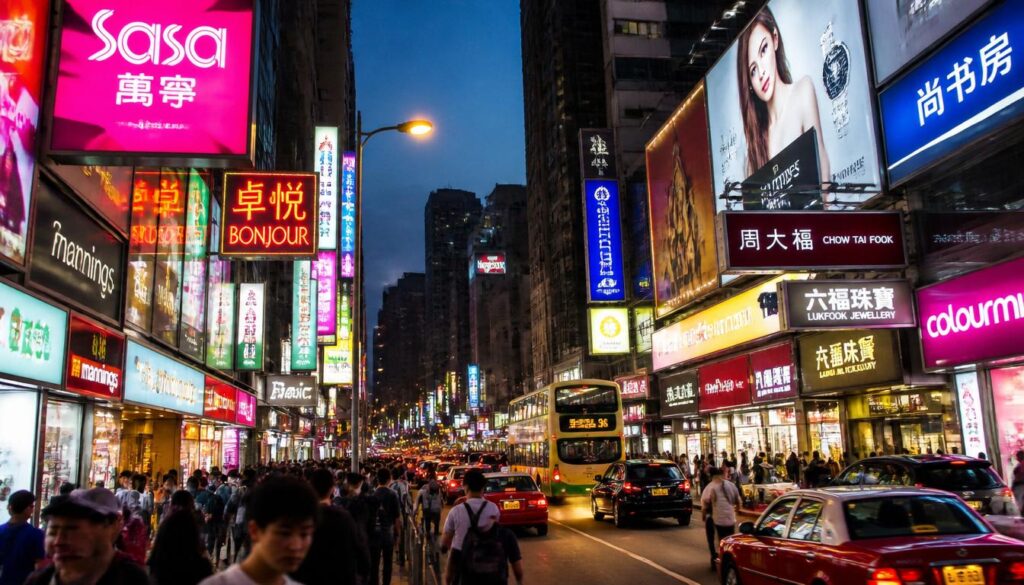
Even that image models are more and more precise, text is a classic weak point: AI often produces spelling errors, warped letters or meaningless symbols.
Watch out for:
- street signs, shop names, T‑shirt prints, posters and book covers with garbled or unreadable text
- signatures on the corner of an artwork that look smeared, inconsistent or unreadable
- logos that are almost right, but with wrong font, missing elements, mirrored details
Even with newer models, small text in the background is still a good place to look for glitches.
7. Test the physics: light, shadows, gravity
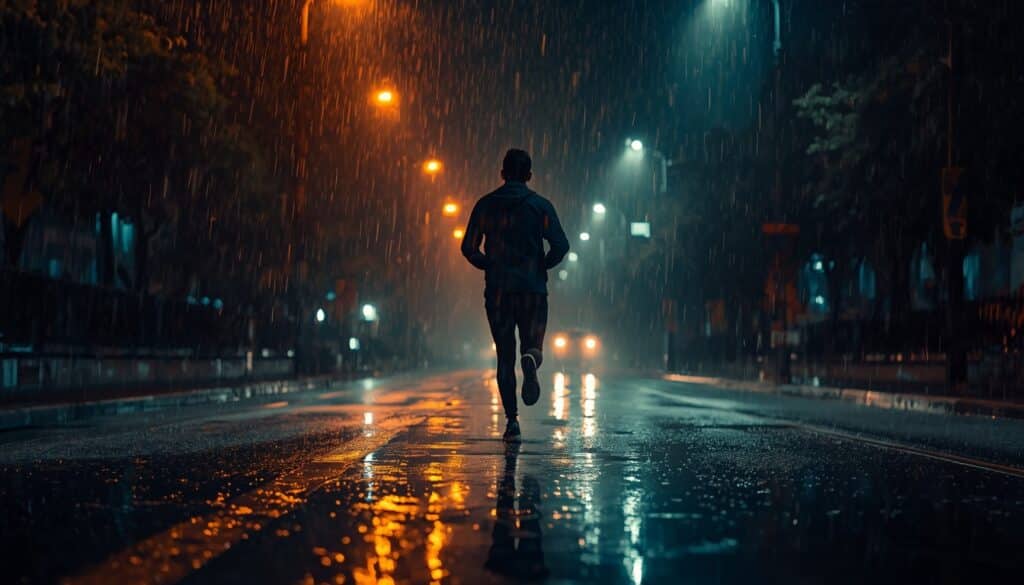
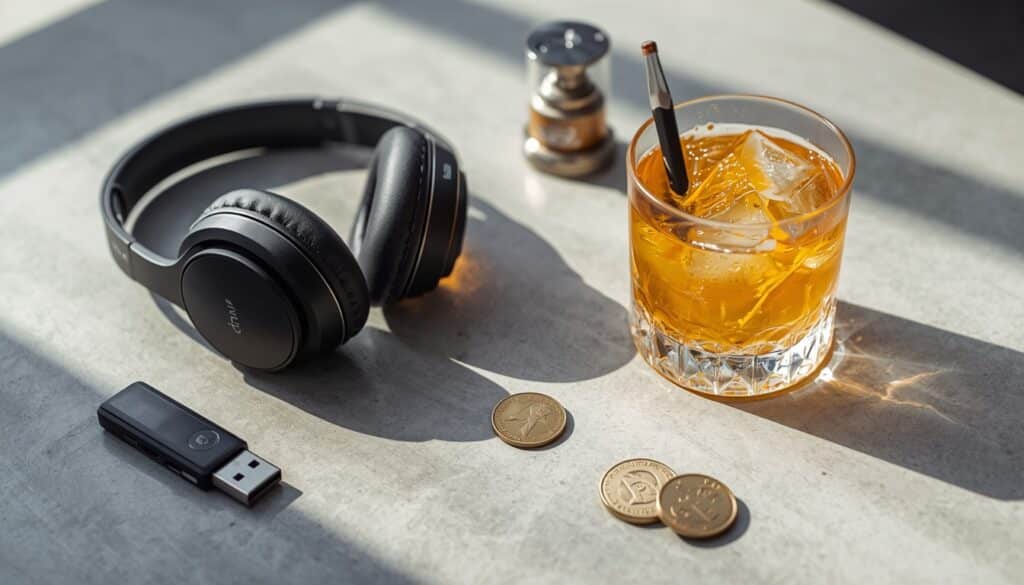
Reality has rules. AI sometimes ignores them.
Look for:
- shadows going in different directions or not matching the visible light sources
- liquids that look solid or frozen in an unnatural way (coffee that doesn’t move, water that behaves like gel)
- objects that seem to float or rest in unstable positions without any support
- the creases in the clothes are strange
If the lighting feels movie‑perfect everywhere:
- every face perfectly lit,
- no harsh contrast,
- no real imperfections
that can also be a subtle sign.
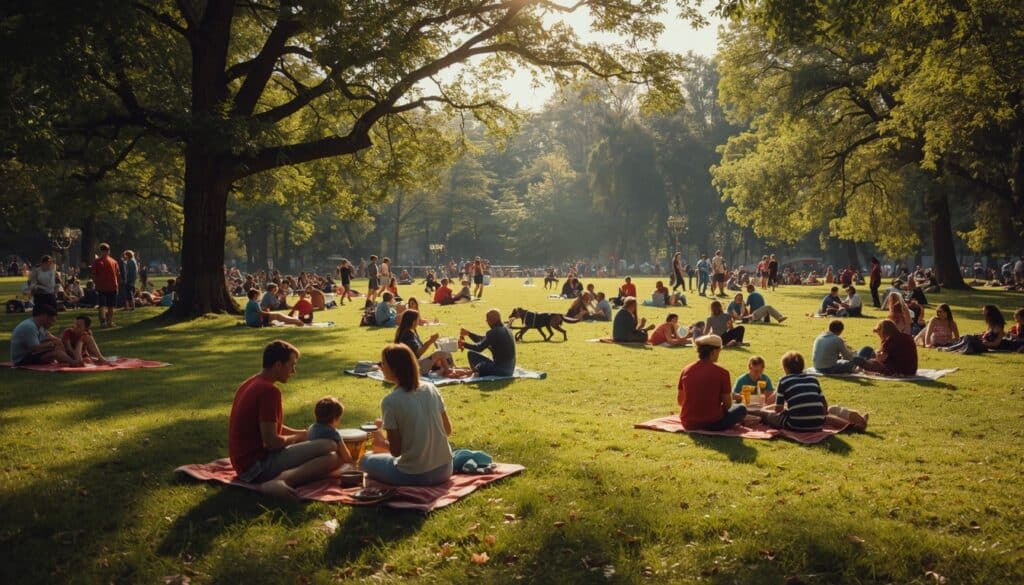
8. Look at crowds, pets and complex scenes
AI is much better at single portraits than at big, messy situations.
Potential tells in crowds:
- background people with distorted faces, extra limbs or missing body parts
- animals with strange anatomy: too many legs, missing tails, weird eyes
- repeated clones of the same person or dog in different parts of the image
Group scenes with many interactions (hugs, handshakes, sports) are still a frequent source of glitches.
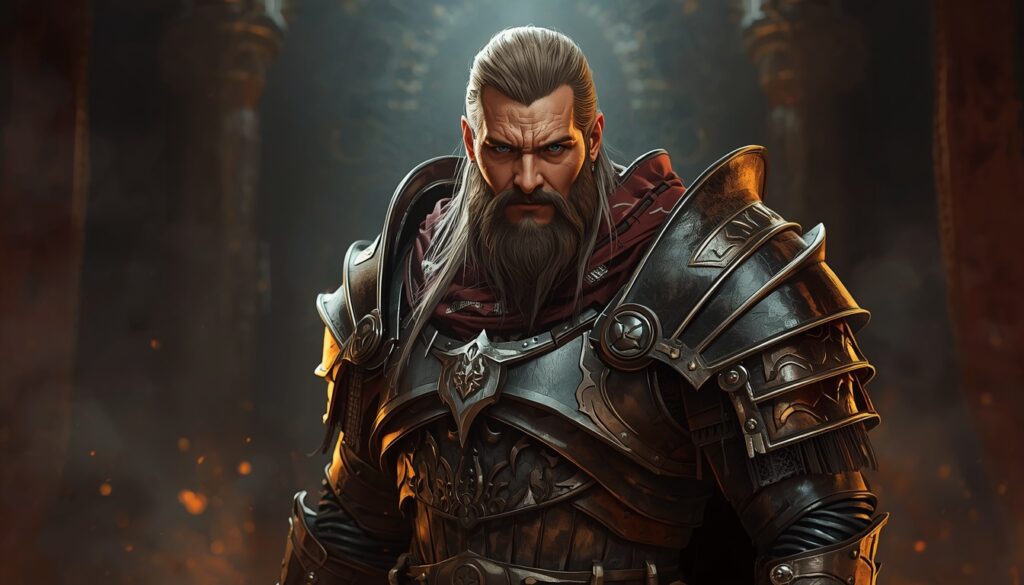
9. Watch for over‑polished, style‑averaged art
In illustrations and digital paintings, AI often produces beautiful, but generic look.
Typical signs:
- many different stylistic influences mashed together without a strong personal style
- lighting and rendering that are extremely glossy and perfect, with no sign of brushwork or consistent technique
- backgrounds that feel less carefully designed than the main character
If an artwork looks like ArtStation, Pinterest and Instagram blended into one, but you can’t feel an individual artist’s hand, it might be AI.
You can notice on AI digital paintings also similar signs which I mentioned above (like distorted text, distorted faces).
10. Combine visual clues with context
Finally, don’t stop at the pixels. Context still matters.
Ask:
- Where is the image posted? Does the account frequently share AI art or sensational content?
- Does the caption mention an AI tool, or use hashtags like #aiart, #midjourney, #aigenerated?
- Is there any source, photographer name, place or date – or is everything vague?
If you are still unsure, you can look at metadata or use reverse image search, but even without tools, these simple questions often reveal that something is off.
Summary
We know that genAI models are constantly evolving. Sometimes it’s almost impossible now to make a difference between real and fake art or photo.
I hope this guide helps you to notice the differences. You can train your eye, you can create AI images yourself and see the difference between photo and generated visual content.
You can also search for “fake or photo quiz” or “AI or Photo” and you can take quizzes – this is fun and also a good training opportunity.


The tip about counting fingers and teeth is so practical—I caught a fake miracle photo yesterday using exactly that trick.
That’s very good to hear! Current Image models handling fingers and teeth far better, but I also spot sometimes strange things there.
Great article! For anyone curious about AI-powered daily tarot readings and card meanings, https://pitarot.com is a nice free tool to explore. Thanks for sharing!
Thanks for the detailed tips on spotting AI images — especially the notes about hands, text and lighting inconsistencies. Very practical.
I’ve found it useful to extract and examine individual frames when checking a video or AI-generated clip for those tell-tale glitches. I built a free in-browser tool for that workflow, Video2Jpg — https://video2jpg.com/ — it converts video to JPG/PNG/WebP frames locally (no uploads, private) so you can zoom into details and compare frames side-by-side. Your guide pairs really well with that manual inspection approach.
Thanks for sharing!